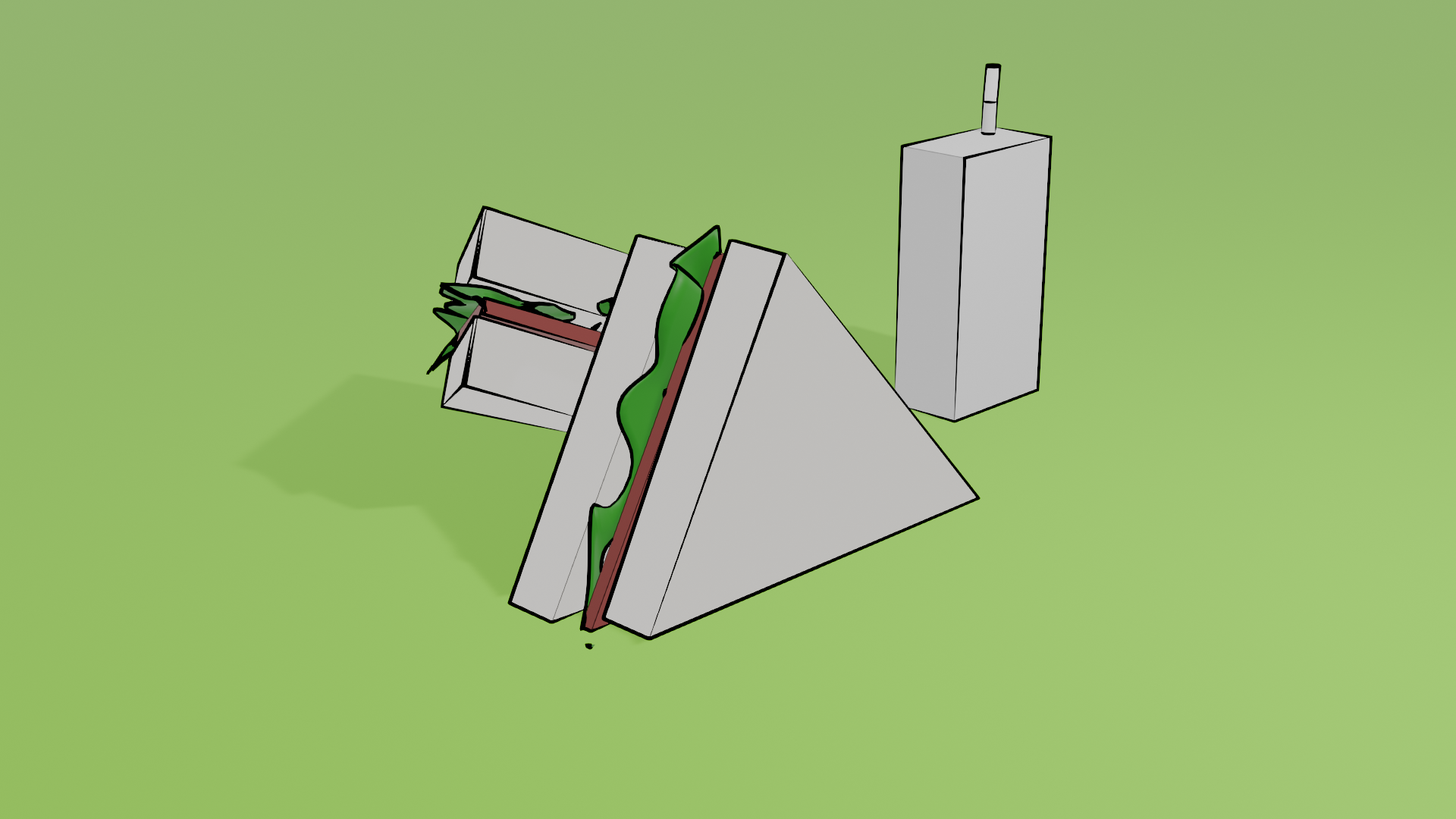
Line art in blender is pretty simple and also fun using greese pencil
I am going to show you how you can create fun little sqaure with a line art around it
1 . Add a sqaure mesh or use the default cube mesh in the scene
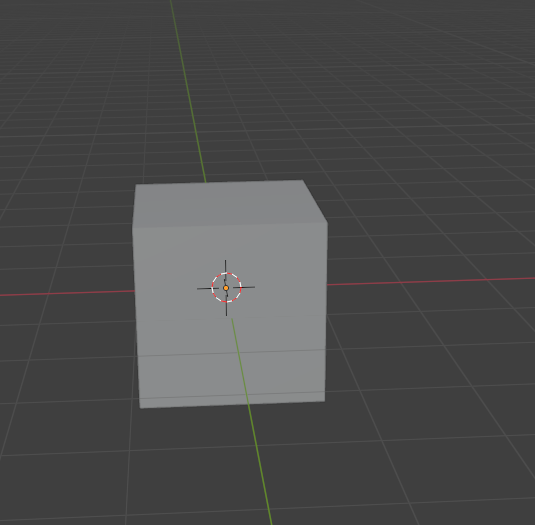
2 . Now press shift + a and select greese pencil -----> object line art
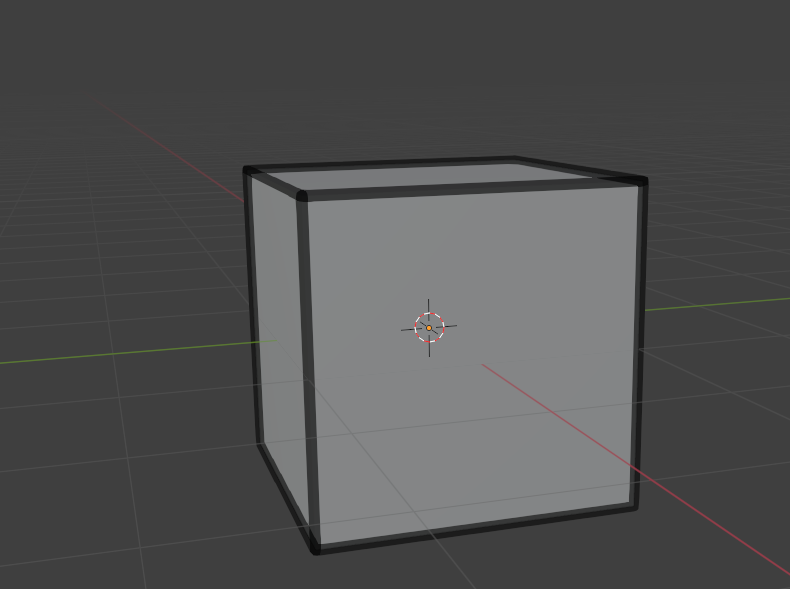
you will be seeing something like this
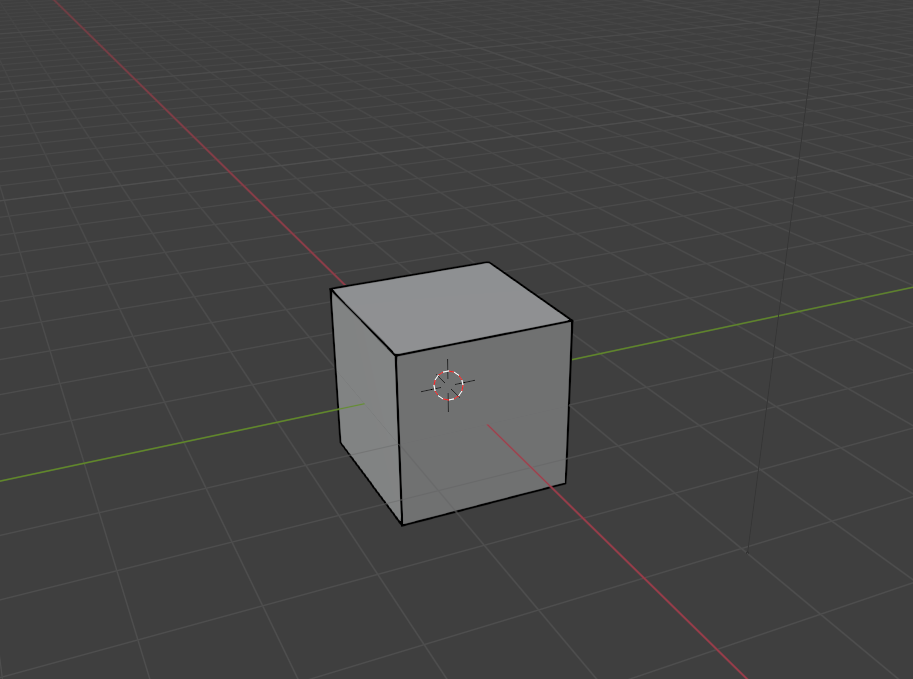
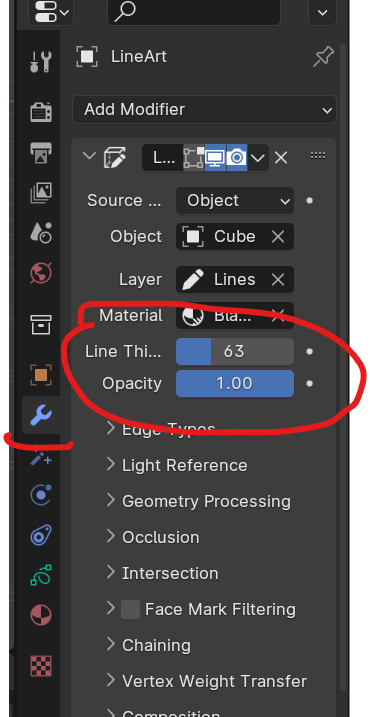
3. Now select the line art and go to modifier option,now adjust the line thickness,opacity as you need
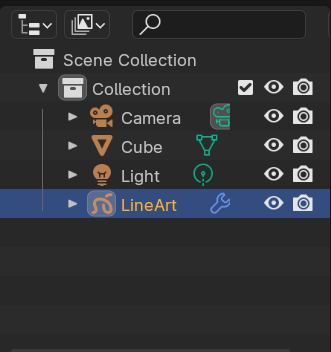
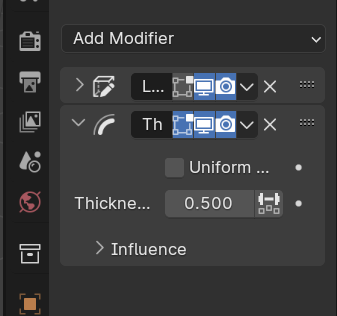
4. Now add another modifier called thickness modifier to have much more liberty
5. Now you can also also adjust the custom curve to change the line stroke
thickness ----> influence ----> custom curve
you can see a difference like this 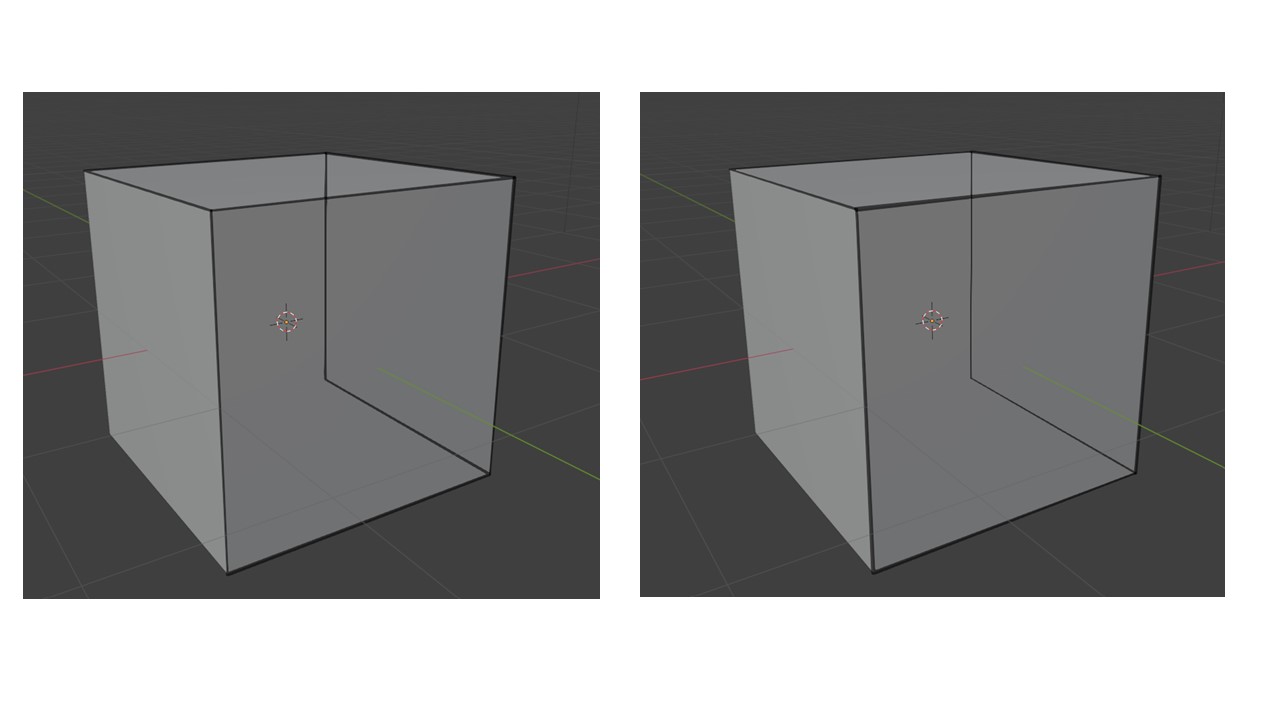
That's it , Hope you had fun !
Here is a simple rendered image I have done recently ... : )